Incognito Mode
When it comes to who can see your profile, you’ve got options.
Find your person with added privacy
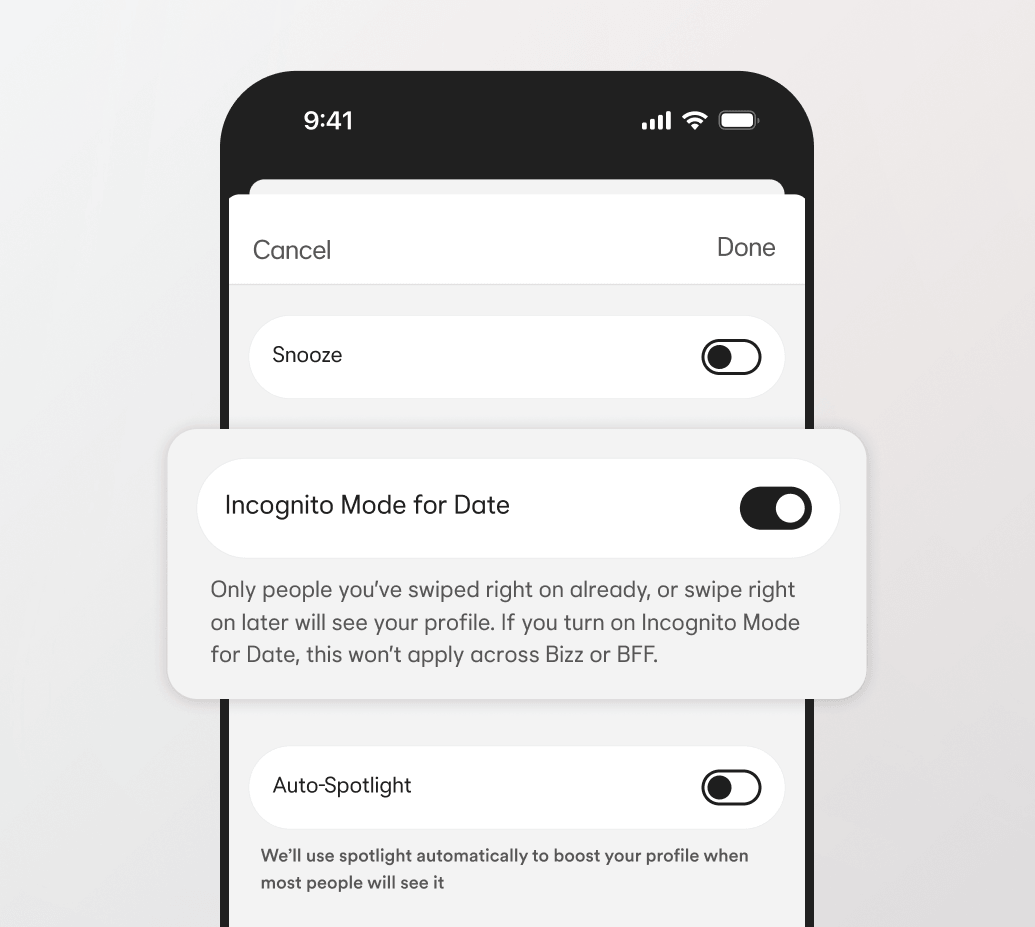
If you want to take a step back from dating, or browse Bumble without other daters seeing your profile, you can switch to Incognito Mode. Turning on this feature means we’ll hide you from everyone—unless you like them first. It allows you to control what you share, and who sees you.
Why you'll love Incognito Mode
Take complete control
You decide who can see your photos and personal info.
Avoid awkward encounters
Browse freely without worrying about running into an ex, your work colleague, or anyone else who's not on your dating radar.
Choose what you share
Include something personal on your profile, knowing only people you like will see it.
FAQs
How does Incognito Mode work?
When you activate Incognito Mode, you won’t appear to other Bumble members unless you like their profile.
Is Incognito Mode like blocking someone?
Using Incognito Mode is not the same as blocking someone on Bumble. With this feature, if you like someone (or if you’ve messaged them in the past), they’ll be able to see your profile.
Who can see me on Bumble’s Incognito Mode?
Without Incognito Mode, your profile is visible to other daters on Bumble when you fit their preferences like age and location. When you activate Incognito Mode, you’ll only be seen by people once you’ve liked them.