Notes
Show them you’re paying attention and stand out from the crowd.
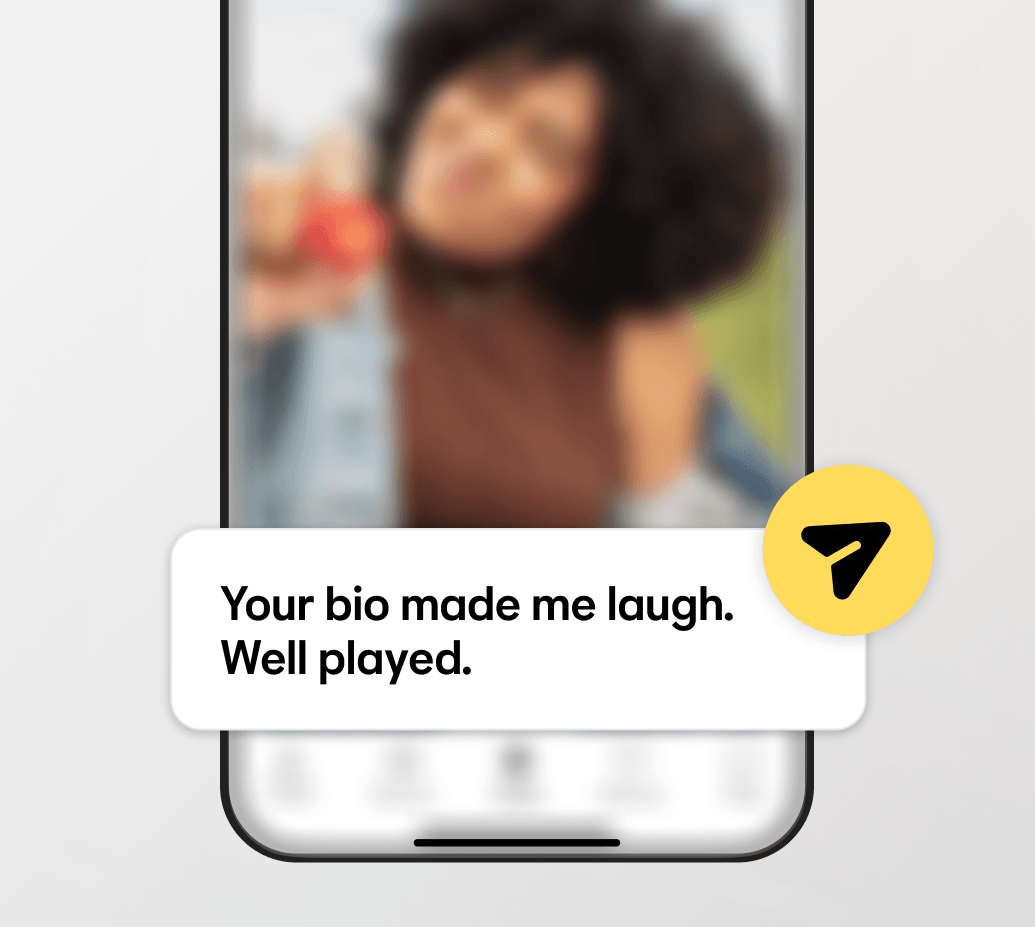
Built to help connections move forward
Notes are designed to feel personal and easy — whether you’re making the first move or receiving one. They appear clearly, feel intentional, and give both people something real to respond to — helping conversations move forward without overthinking. It’s about showing interest in a way that feels respectful, confident, and true to you.

FAQs
What happens when send a Note on Bumble?
When you send a Note, the person receiving it will see it when you pop up in their queue.
How many Notes can I send?
You can send three Notes for free. When you’re all out, you can buy more in the Bumble app in packs of up to 30.
How do I respond to a Note?
If their Note caught your eye, then go ahead and match with them. You’ll see the Note in your chat, and the usual Make The First Move rules apply.