Personalized profile feedback
Build a stronger profile without the guesswork by getting real-time tips on your photos, prompts, and bio based on what works best on Bumble.

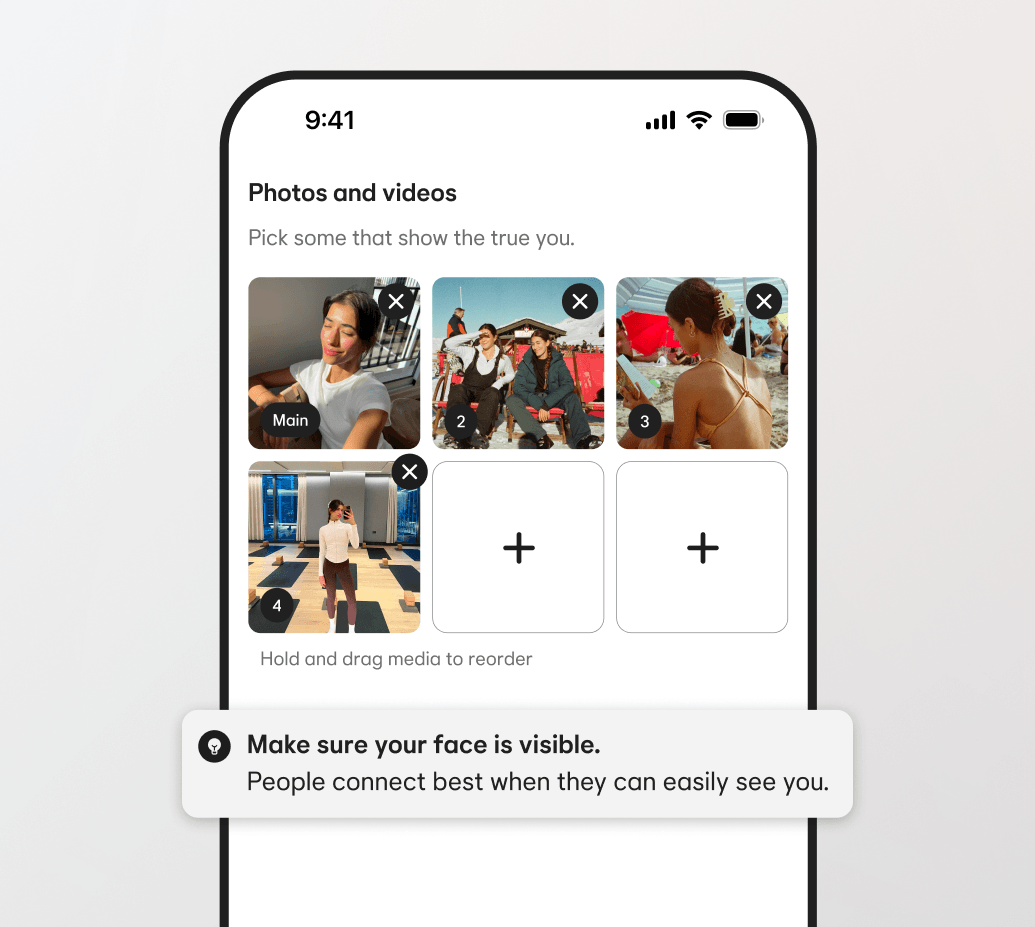
Build a stronger profile
Put your best self forward
Bring your personality to life with guidance for your photos, bio, and prompts.
Backed by Bumble data
Get feedback based on what we know works well for Bumble members.
Have better conversations
When you have more to talk about, it’s easier to make meaningful connections.
FAQs
Why am I seeing feedback on my profile?
Many members want better conversations and matches, but aren’t always sure what steps to take. Feedback is designed to encourage you to make small updates, like adding more variety to your photos or expanding on a prompt, that can give people more ways to connect with you.
Does this mean something is wrong with my profile?
Not at all. These tips are just suggestions based on what we know works well on Bumble—and even the strongest profiles can benefit from a refresh every once in a while. Ultimately, you’re in control of your profile and what you choose to share.
Where will I see feedback?
You’ll only see tips after tapping “Get Feedback” while editing a section of your profile. Once you tap this pop-up, you’ll see section-specific tips such as: Adding a bio; Expanding on a short prompt; Adding more photos; Including more variety in your photos.