Travel Mode
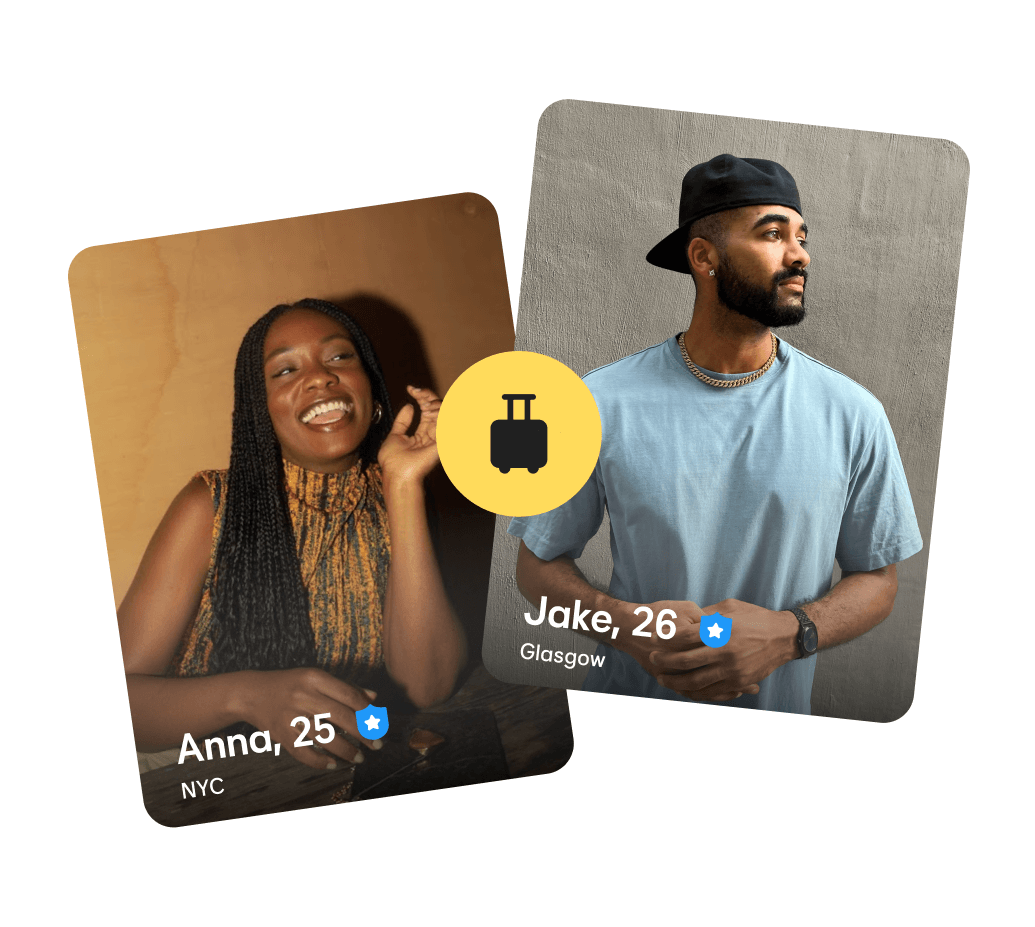
Packing your bags for a holiday or heading to a new city for work? Switch on Bumble’s Travel Mode to take dating on the road with you.
How to use Travel Mode
Travel Mode is available to Premium and Premium+ members.
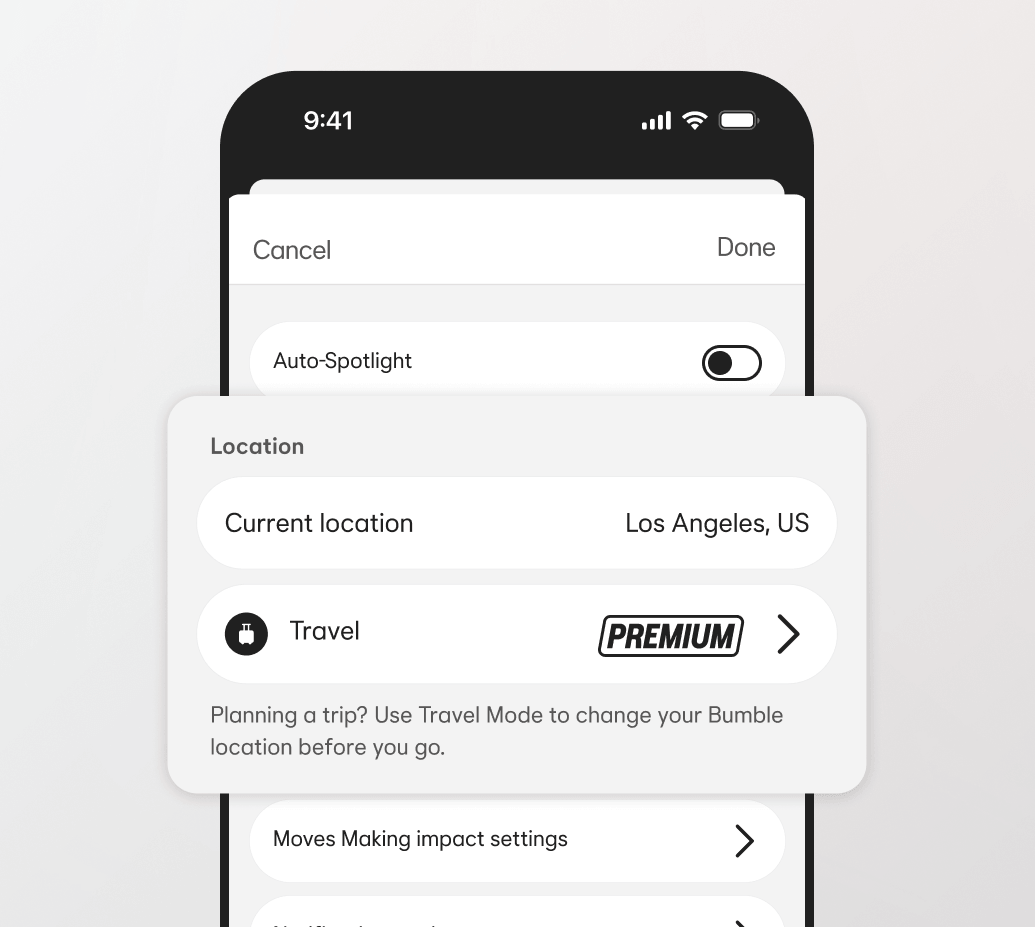
To switch it on, tap the Settings cog in the top right of your profile and scroll until you see Travel Mode. Tap it, and choose your new location to start seeing people in that area.
Your profile will let potential dates know you’re in Travel Mode.
FAQs
How do I use Travel Mode?
If you’re a Premium or Premium+ member, you can turn on Travel Mode by visiting your settings, tapping the Travel Mode option, and choosing a new location. You'll then see new faces in your chosen city. You can switch off Travel Mode at any time, or it will run for seven days.
How does Travel Mode work?
Travel Mode will show your location as the center of your chosen city so new connections in the area can find you. They’ll see a note on your profile that you’re in Travel Mode, so they know you’re visiting, or planning to visit.
Can I use Travel Mode anywhere?
Pretty much—we have a few safety restrictions that can change over time, but Travel Mode is available for most destinations.