Video chat
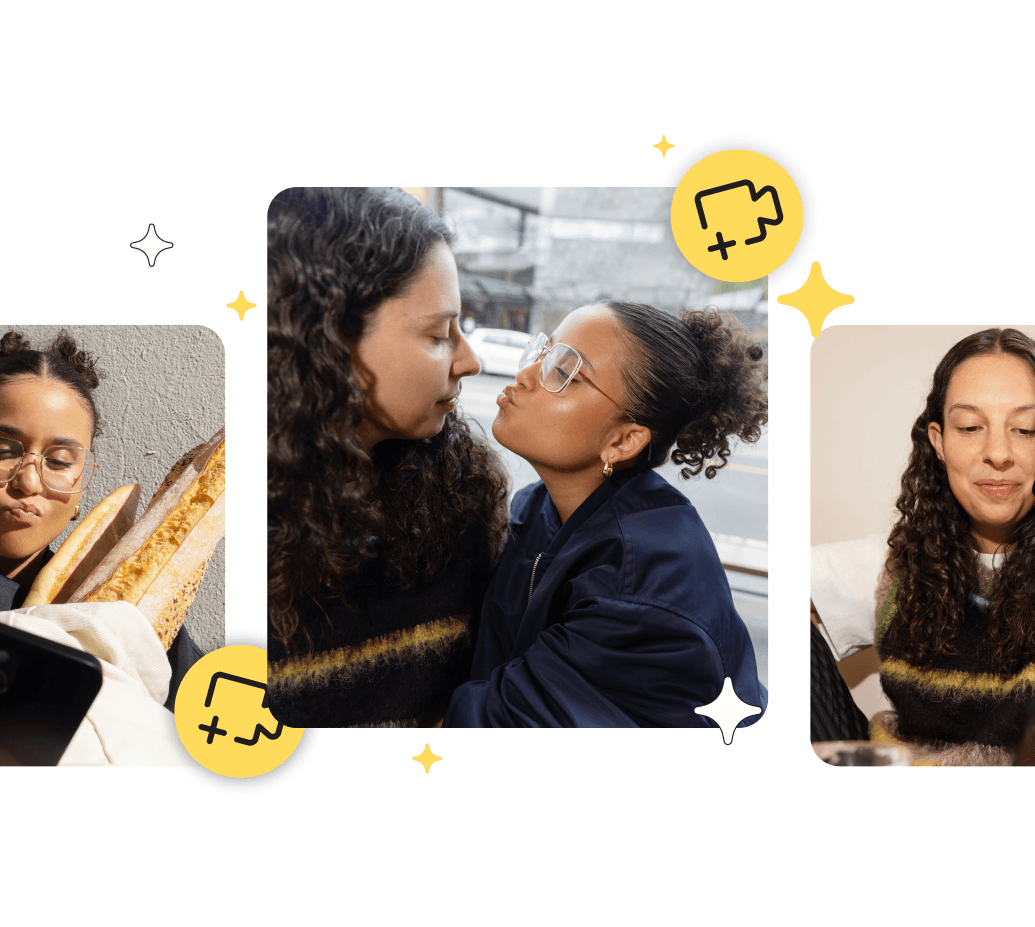
We love a good *message received* notification. But we know it’s hard to tell whether or not your chats are going to be as good in person—that's where video and audio calls come in.
Check your chemistry with video chat
Video chats and audio calls can help you get to know each other and decide if you want to take things off the app.
The best part? When you make a call via Bumble, you don’t have to exchange phone numbers—so your personal information stays safe until you're ready to share.
How to video chat
Ready to start a conversation? You can choose whether to start an audio call or a video call right from your chat in the Bumble app.
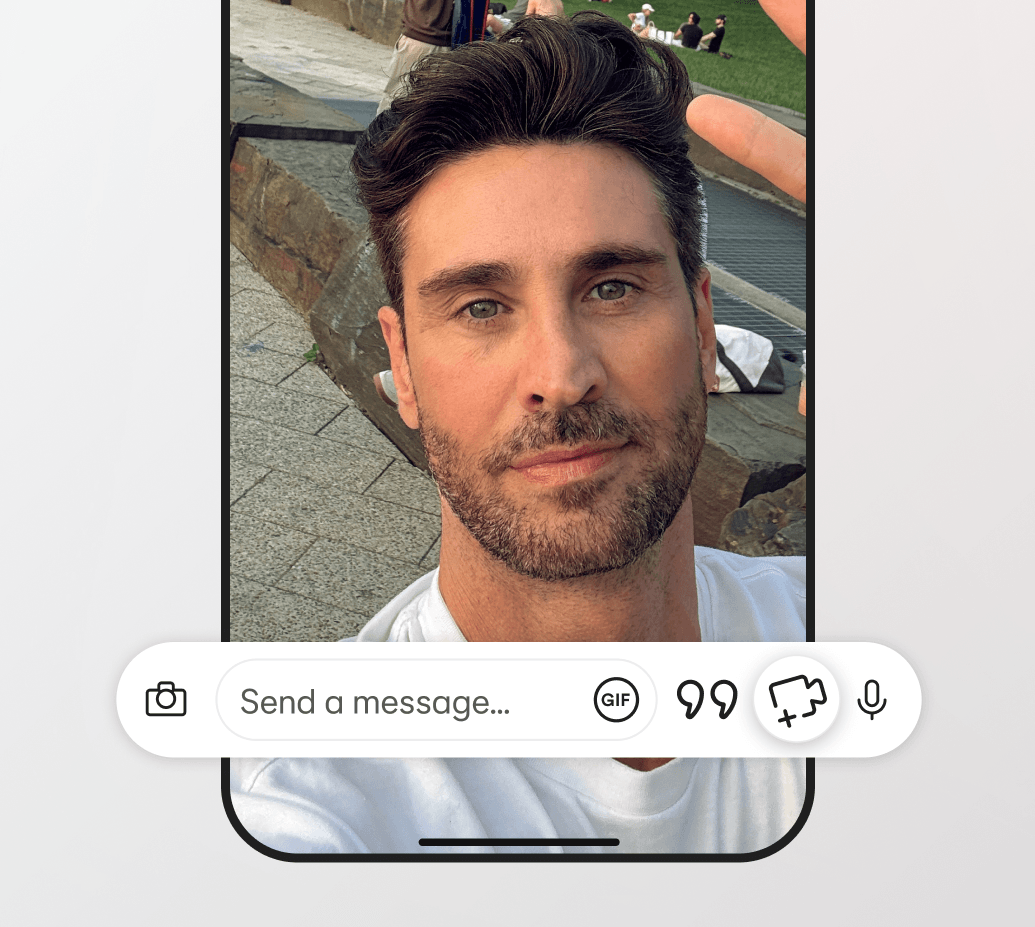
To start a video call, tap the gray video camera icon in the top right corner. See the three dots next to the video camera icon? Tap this and you'll see the option to audio call, too.
Why you'll love video chats and calls
See if you’re ready to meet in person
Bridge the gap between online and offline dating, and decide if it's time to take the leap and meet up.
Connect without giving out personal info
You’re in control. We’ll keep your contact details private, so you can choose when to share them.
Try a quick vibe check
Get to know them better (and faster). A face-to-face convo or chat on the phone can reveal a lot about someone.
FAQs
How does video chat on Bumble work?
Simply tap the video icon in your chat to start a video call, all without sharing any personal contact information.
Can I just try an audio call?
Absolutely! If you're not quite ready for a face-to-face, voice calls lets you connect through audio. Just select the call icon instead.
Will my match see my phone number?
No. All calls and chats on Bumble keep your personal info safe and secure. They won’t get your number or any other contact details until you tell them.